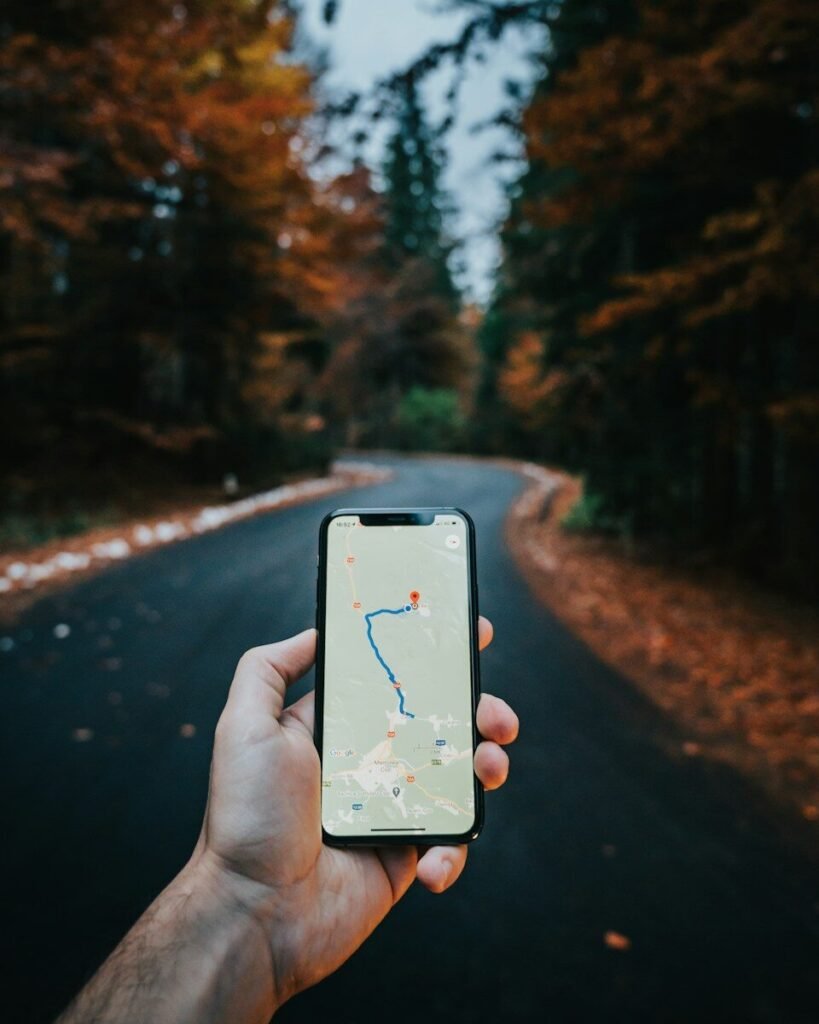
A Google Business Profile in Pakistan is the free listing that puts your business on Google Search and Google Maps. When someone in Lahore searches for a dentist near me, or a customer in Karachi looks for a restaurant nearby, Google usually shows a map with three businesses before any website. If you have no profile, you are invisible where many Pakistani customers look first. Setting it up takes less than an hour, although verification can take longer.
Why a Google Business Profile Matters in Pakistan
Most local searches in Pakistan happen on a mobile phone, often on slow mobile data, and often with an urgent need. A customer does not want to read a long website. They want to know where you are, whether you are open, what your phone number is, and whether other people trust you. A complete profile can put you on Google Maps and in the local map results, which appear above ordinary website results. It also builds trust, because reviews, photos, and a verified address show that you are a real business, and it lets customers call you, message you on WhatsApp, or ask for directions without ever visiting your website.
Before you start, gather your exact business name, as it appears on your shop sign and website, your full address with area and city, a phone number you actually answer, ideally a mobile number with WhatsApp, your opening hours, including Friday prayer breaks or Sunday closing, your main services, and a few clear photos of your shop, team, or work. Use the same business name, address, and phone number everywhere online, because Google checks whether your details match across your website, your Facebook page, and other listings.
Step 1: Create or Claim Your Profile
Go to Google Business Profile and sign in with your business Google account. Search for your business name. If Google already has a listing for you, click Claim this business. Do not create a second listing, because duplicate profiles split your reviews and confuse customers. If no listing exists, click Add your business to Google. If customers visit you, such as a clinic, salon, restaurant, or shop, choose a business with a physical location. If you visit customers, such as a home repair service, choose a service-area business and set the cities you serve, such as Lahore, Gujranwala, or Sargodha.
Step 2: Add Your Business Details Carefully
Choose your primary category with care, because it is one of the strongest signals Google uses. A dental clinic should choose Dentist, not Health and Beauty Shop. A web design agency should choose Website Designer. You can add extra categories later, but your primary category should describe your main service. Then add your address, phone number, and website. Check that the map pin is in the right place, because a pin on the wrong street sends customers to the wrong shop. Add your opening hours, including special hours for Eid, Ramadan, or public holidays, and write a short description in plain language, saying what you do, who you serve, and where you are based.
Step 3: Verify Your Business
Google must confirm that your business is real before it shows your profile publicly. In Pakistan, the most common method is a postcard sent by post to your business address. It usually takes one to two weeks to arrive, and it contains a five-digit code that you enter in your profile. Some businesses are offered phone, email, or video verification instead. If you are offered one of these, take it, because it is much faster. While you wait for a postcard, do not change your business name or address, because that can cancel the verification and force you to start again.
Step 4: Complete It, Get Reviews, and Stay Active
Verification is only the beginning. Add your services, upload at least ten real photos, and add your logo and a cover photo. Photos of your actual shop and work perform far better than stock images. Then ask happy customers to leave a Google review, by sharing your review link on WhatsApp or printing it as a QR code at your counter. Reply to every review in a calm, professional tone, and never buy fake reviews. Google removes them and can suspend profiles that use them.
How Long Before You See Results?
Once verified, your profile can appear on Google Maps within a few days. Ranking in the top three map results takes longer, usually one to three months of consistent work: complete information, regular posts, steady genuine reviews, and a website that matches your profile details. That is where
local SEO services can help. Our local SEO work starts from PKR 25,000 per month and includes profile optimisation and on-page SEO, so your website and profile strengthen each other. Read more in our guide on
how to rank on Google Maps in Pakistan.
Conclusion
A Google Business Profile is free, it takes less than an hour to set up, and it puts your business in front of customers who are searching nearby and ready to buy. Create or claim your profile, enter your details exactly as they appear everywhere else, verify it, complete it with real photos and services, and keep it active with reviews and posts. If you would like help setting up or optimising your profile,
contact BlueCraft Digital and we will review your current listing, fix any errors, and build a simple local SEO plan for your business.